KiowaEagle_imp
Road warrior
Interesting, it must add the http:// without showing you. Good to know.Cormanus_imp said:FLYTM, Postimage is a great image hosting site, I reckon. Way better than Flickr for the purposes of sharing photos easily. I can find a way to share your Flickr image, but it's tricky and requires calling up the page source code. But it works:

Do you get the advice popgun and KiowaEagle are giving you about not being able to use both http:// and https:// together? It will be one or the other. Most times these days, particularly with commercial sites it will be https://.
Anyway, none of that matters with Postimage.
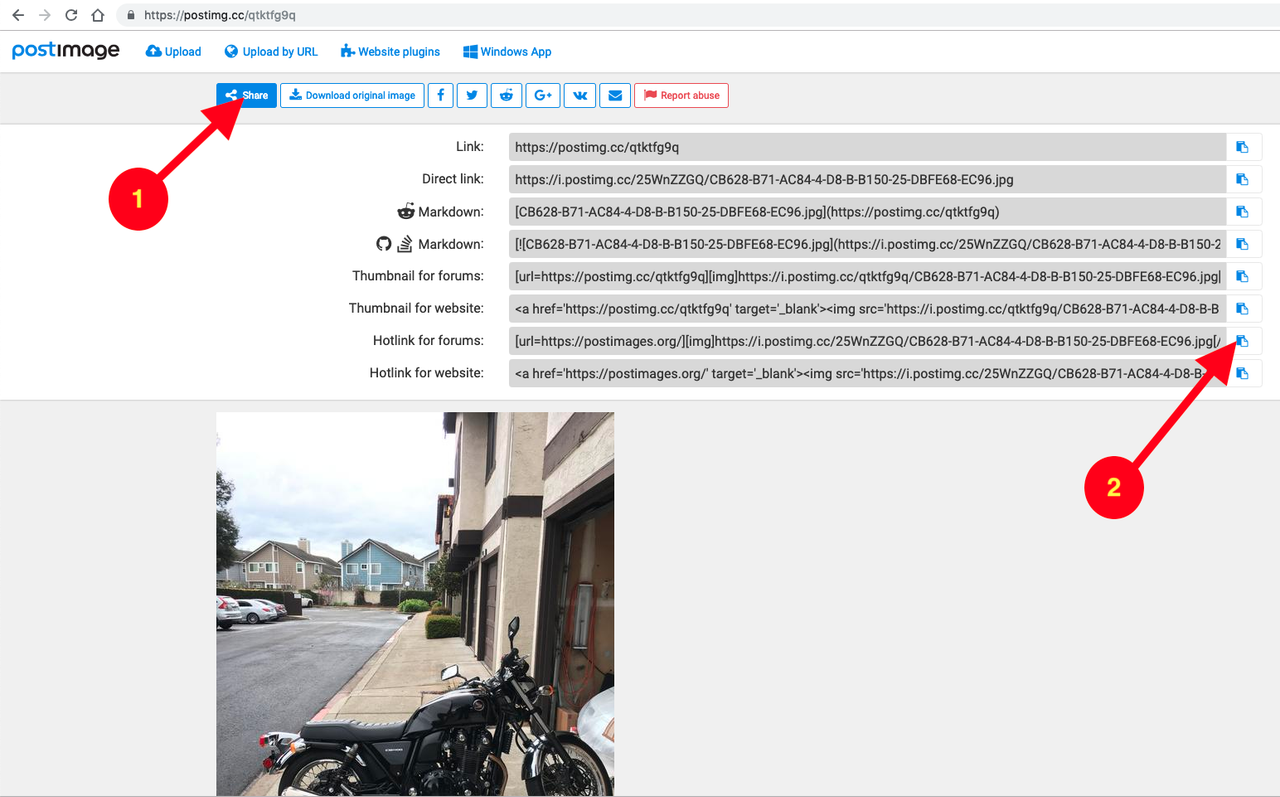
If you follow your link, CB628B71 AC84 4D8B B150 25DBFE68EC96 — Postimages, you'll see this screen:
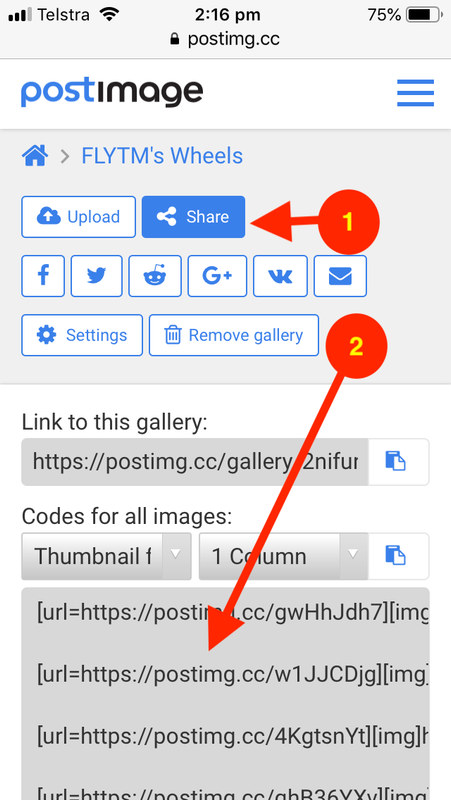
Click (1) on <Share> and you'll see this:
[url=https://postimg.cc/LYBQg9LX]
Click (2) on the little icon at the end of the box that says <Hotlink for forums>. This will copy the information you need to the clipboard of your device. Then go to your post and select paste. On the screen, you'll see something like:
Code:
[url=https://postimages.org/]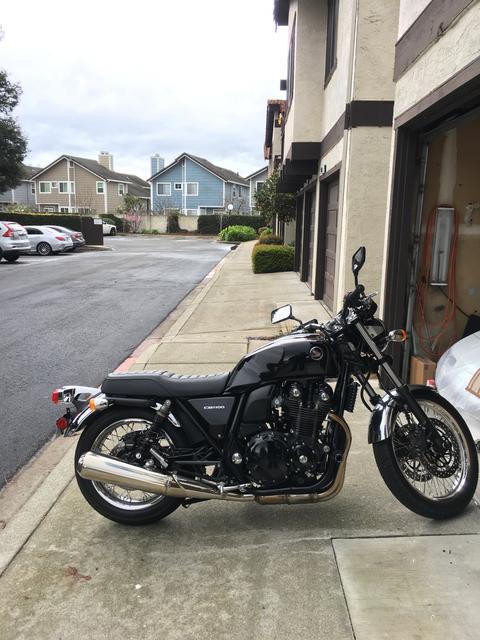
But, when you post or preview your post, you should see this:
[url=https://postimages.org/]
By way of explanation, the Forum software looks for 'tags' to tell it to do something special. It encloses those tags in square brackets [] and needs both an opening and closing tag. The closing tag will look like [/]. That tells the software to stop doing something. IMG is the tag you need to display pictures. So, if you type,
Code:

and 'A URL' displays a picture, the forum should display that picture. A word, though. If the URL does not end with '.jpg' or '.jpeg' or '.png' it is not likely to work. I've no idea why.
I hope that makes sense. Let me know if it doesn't.
KiowaEagle_imp said:FLYTYM_imp said:KiowaEagle_imp said:Flytym, you need to use either https:// or http://, you can’t use both. From what popgun just said you should use [url=https://postimg.cc/qtktfg9q.]https://postimg.cc/qtktfg9q.KiowaEagle, see the information above. Your link (http://http//postimg.cc/qtktfg9q) won't work because it makes the same mistake as FLYTM's earlier link. It also won't work because the link is to a page CONTAINING a picture rather than to the picture itself.KiowaEagle_imp said:I know this but which option to us on the option list after the picture in downloaded? Ok, I chose the post image icon and tried posting as http and https but each time it just comes out as below.FLYTYM_imp said:I know this but which option to us on the option list after the picture in downloaded?

I’m not sure why. Like I said before I use Tapatalk to post pics mainly because I find this process so infuriating....lol
I have to absent myself for a wee while, but I'll be back later and can answer more questions.

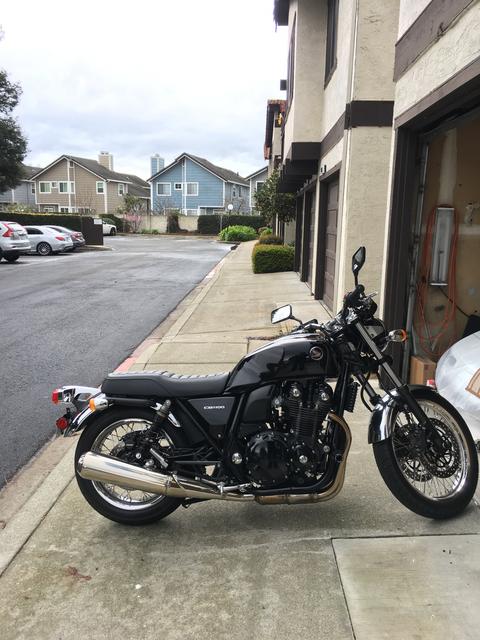
 [/img]