Randy B
Road warrior
What I do from imgur is to open the picture I want and then right click on it and open it in a new tab. Then copy the complete address in the address bar and paste it into the image HTTP box. Works every time.
Follow along with the video below to see how to install our site as a web app on your home screen.
Note: This feature may not be available in some browsers.

It's the image located on Imgur. As Randy pointed out, when on the Imgur site, you can open choose the option to open the image in a new tab and copy the URL/address for the image. In your case, the address is:offroadfx4_imp said:Thanks!Guth_imp said:offroad, I tweaked the code a bit for you to just place the address of the JPEG file inside of IMG brackets — nice photo!
Attachments aren't a problem as along as they're small in file size. The forum software is configured to filter out images over a certain size. This helps to keep the amount of storage space consumed in check.
Is this picture embedded from imgur or uploaded to your server?
If it's embedded, can you send me the code so I'll know how next time.
Thanks again!
My picture above is a perfect example of this. The picture is very large, so if you click on it, it will open a secondary window where you can click on it a second time to see it full size.Guth_imp said:It's the image located on Imgur. As Randy pointed out, when on the Imgur site, you can open choose the option to open the image in a new tab and copy the URL/address for the image. In your case, the address is:offroadfx4_imp said:Thanks!Guth_imp said:offroad, I tweaked the code a bit for you to just place the address of the JPEG file inside of IMG brackets — nice photo!
Attachments aren't a problem as along as they're small in file size. The forum software is configured to filter out images over a certain size. This helps to keep the amount of storage space consumed in check.
Is this picture embedded from imgur or uploaded to your server?
If it's embedded, can you send me the code so I'll know how next time.
Thanks again!
When creating a new post, you select the Insert Image option/icon and a popup window is presented where you can then paste the address that you've copied and the software takes care of the rest. (If you're interested, the software is basically just placing the address for the image inside of "IMG" tags for proper display inside of your post.) This then presents the image in your post even though the file is located on Imgur's server. This also has the added benefit of re-sizing those images if they are excessively large. That keeps such images from blowing out the forum formatting because they are so large. Viewers can choose to click on the re-sized image if they want to see the actual image size, but they aren't subjected to the monster-sized images if they don't wish to be.

j3gq_imp said:

Cormanus_imp said:j3gq_imp said:
j3gq, methinks thou dost protest too much. If you can drive an Adobe photo editing product, I'm pretty sure you can figure out how to resize a photo to a manageable size for the forum.
If not, use a photo hosting site like Imgur. There are good instructions for doing that, [URL=https://cb1100forum.net/threads/69048/]here. Alternatively you could look on [url=http://cb1100forum.com/forum/misc.php?action=help&hid=7]this page of the forum's help section to see how to set pictures at a reasonable size. There are two issues with approach. First you have to find the URL of the relevant attachment. Second, when you do, you can simply enclose it in the board's IMG tags and it will appear at a decent size.
Violà!
What I've never figured out is how to upload the picture as a forum attachment without inserting it full size in an initial post.
That's a problem for greater minds than mine to solve.

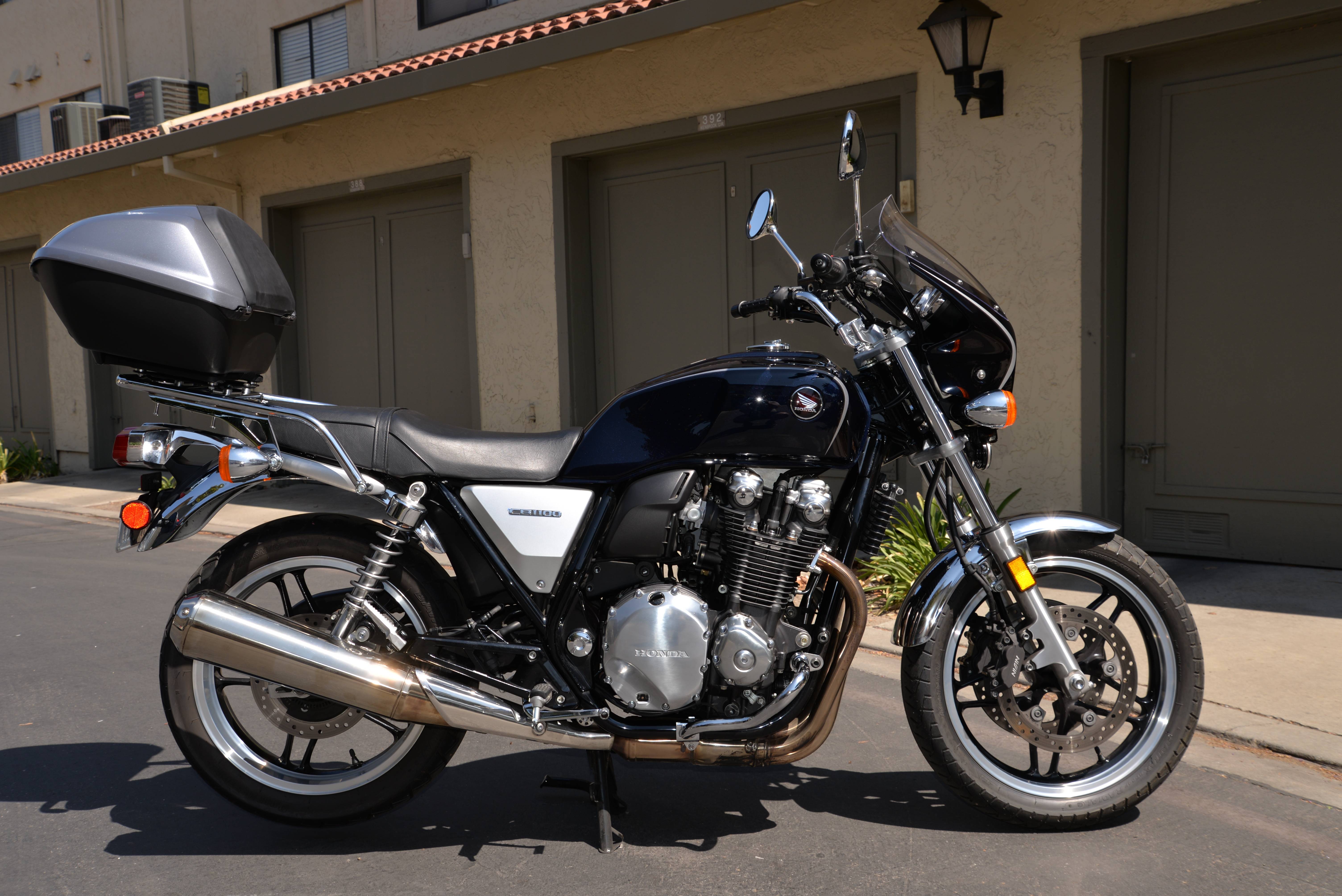
Dang son.GoldOxide_imp said:I took Randy B's specimen which is over a 1.3 MBs in file size ...
http://cb1100forum.com/forum/showthread.php?tid=16716&pid=292687#pid292687
... and quickly zoomed in on the essentials to get a better screen smattering. The resultant file shown here is only about 214 kBs in size and the image quality is still pretty good, or arguably good enough.
Quick sample:
... and a quick sample of Randy B's lump (a mere 123 kBs, but decent enough) ...
... and Randy B's cylinders at just 70 kBs ...

I seeRandy B_imp said:Dang son.GoldOxide_imp said:I took Randy B's specimen which is over a 1.3 MBs in file size ...
http://cb1100forum.com/forum/showthread.php?tid=16716&pid=292687#pid292687
... and quickly zoomed in on the essentials to get a better screen smattering. The resultant file shown here is only about 214 kBs in size and the image quality is still pretty good, or arguably good enough.
Quick sample:
... and a quick sample of Randy B's lump (a mere 123 kBs, but decent enough) ...
... and Randy B's cylinders at just 70 kBs ...
FYI that was taken with a Nikon D610...24.3 mp DSLR.
 .
.
What program are you using to reduce the image size? Every time I do I either end up with a very small image, or a file that is too large to upload.Cormanus_imp said:So, to return to the earlier theme of the thread, I downloaded j3gq's large image and resized it to an image 800 x 577 pixels to see what would happen when I uploaded it to the forum. It's lost a fair bit of resolution, but it is not so large on the screen.
Likewise, I took Randy B's photo (taken apparently with a Nikon D610) and reduced it to 800 pixels across. It seems to fit OK too.
It seems to me there are two challenges for those who don't want to use a photo hosting service: to reduce the file size to less than 250 kb; and to reduce the dimensions of the image in the file to something in the order of 800 pixels or less in width. In this case, reducing Randy B's 6016 x 4016 pixel image to 800 x 534 pixels also reduced the file size to 66 kb.
I generally use paint to resize things easily. Didn't know about this tool.Cormanus_imp said:Apple's native Preview on a Mac. Not at all sophisticated.
I wonder whether you could also do it easily with the image reducer power tool on a PC?