Feedback Welcomed

Thread starter
1973cb750 said:
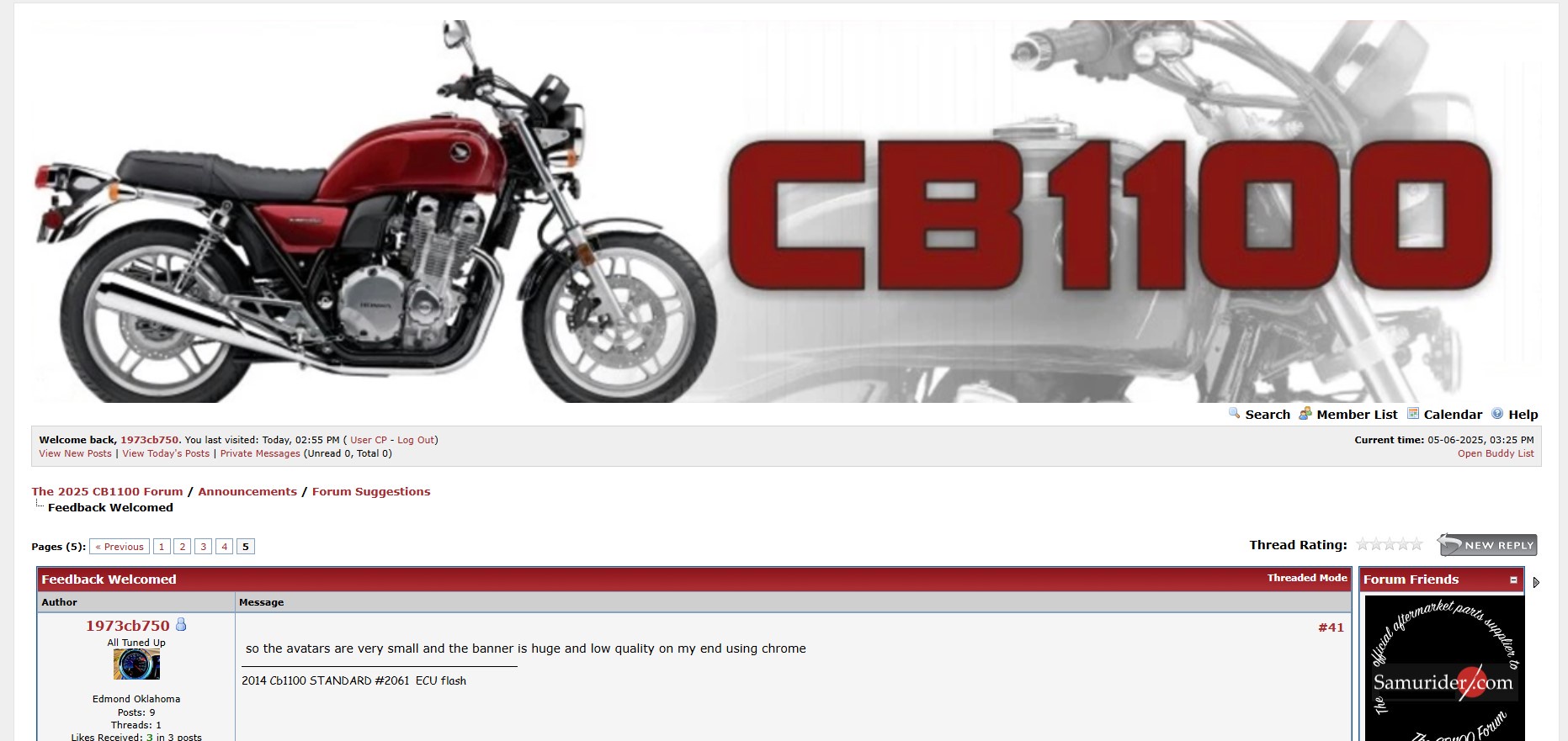
so the avatars are very small and the banner is huge and low quality on my end using chrome

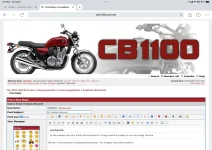
The banner is a high-res banner which has rendered properly on an iPad, Tablet, Laptop, and Desktop. I have included a copy of it taken from an iPad. I suggest you look at the resolution on your device. Also, if you are using your phone to access the Forum, we recommend that you turn the phone into a landscape orientation. The theme we have built is a Responsive Theme which adjusts to the device and orientation of the the device you are using.

We are in the process of replacing the banner. The new banner will be smaller. Until then, we ask that you scroll past it on whatever device you are using. Thanks for your patience. 

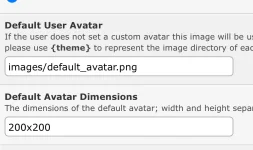
The Avatars have been sized to the most common size used by most Members. At this point, that is 200x200. Please consider optimizing an Avatar for that size or adjusting the resolution on your device to render your avatar as you prefer. Unlike the banner, there are no plans to change the settings of the Avatar.

Welcome to the Forum. We are delighted to have you and thanks very much for the feedback. It is our hope Threads, Posts, and Feedback will continue. Congrats on the CB1100 and the projects you have underway!

David
 

Attachments

  • IMG_0545.webp
    IMG_0545.webp
    200.9 KB · Views: 38
  • IMG_0546.webp
    IMG_0546.webp
    31.1 KB · Views: 38
rdprdp01 said:
1973cb750 said:
so the avatars are very small and the banner is huge and low quality on my end using chrome

The banner is a high-res banner which has rendered properly on an iPad, Tablet, Laptop, and Desktop. I have included a copy of it taken from an iPad. I suggest you look at the resolution on your device. Also, if you are using your phone to access the Forum, we recommend that you turn the phone into a landscape orientation. The theme we have built is a Responsive Theme which adjusts to the device and orientation of the the device you are using.

We are in the process of replacing the banner. The new banner will be smaller. Until then, we ask that you scroll past it on whatever device you are using. Thanks for your patience. 

The Avatars have been sized to the most common size used by most Members. At this point, that is 200x200. Please consider optimizing an Avatar for that size or adjusting the resolution on your device to render your avatar as you prefer. Unlike the banner, there are no plans to change the settings of the Avatar.

Welcome to the Forum. We are delighted to have you and thanks very much for the feedback. It is our hope Threads, Posts, and Feedback will continue. Congrats on the CB1100 and the projects you have underway!

David
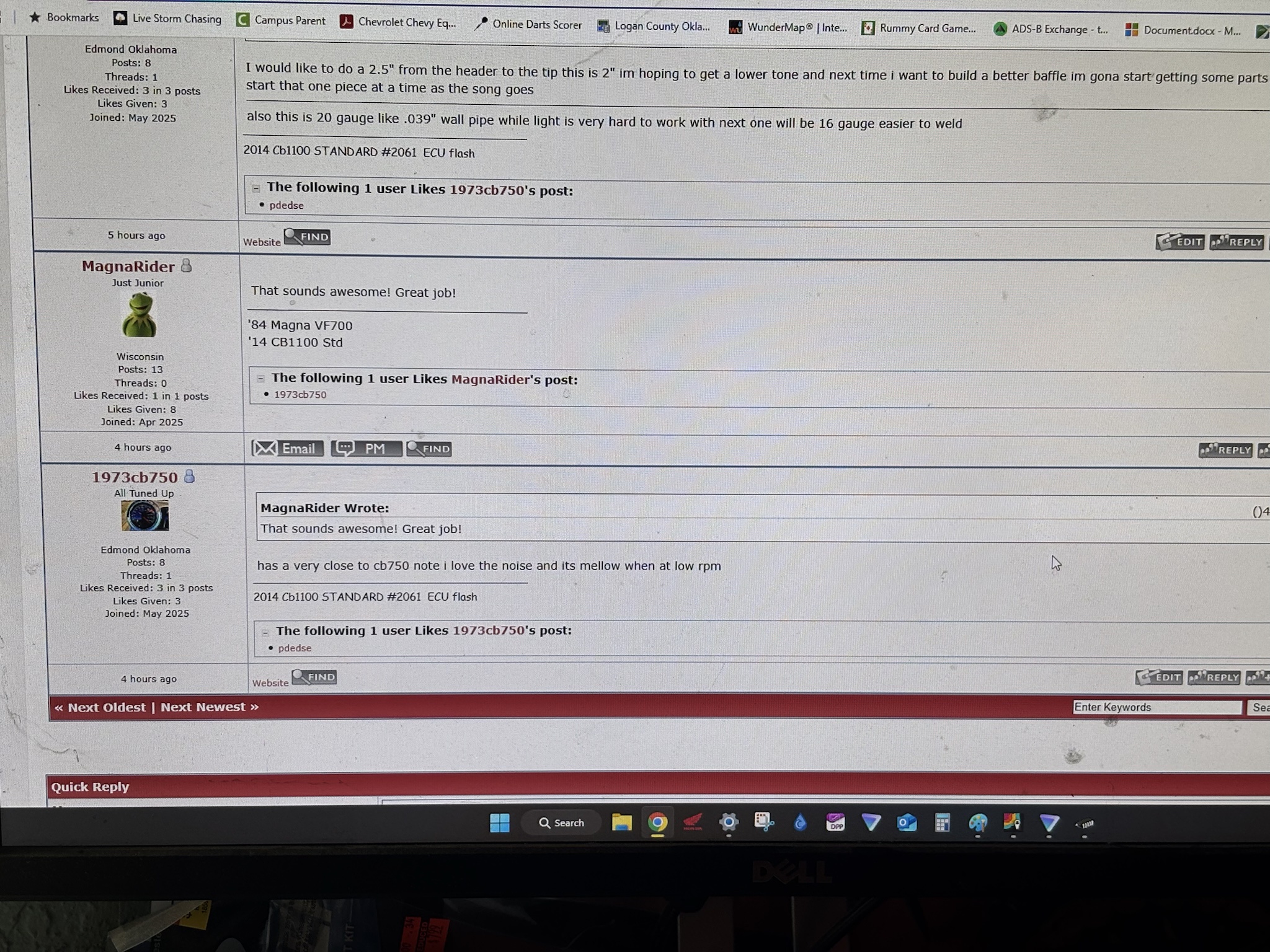
Im using a windows 11 pc with a nice monitor and the banner just looks pixaly and very large ill post a photo when i get home and on my screen the avatar is the size of a dime or so looks very weird
 
At some point, they won’t be able to afford to keep\

^ this^^ is result of copy and paste, so it needs some correction
 
Thread starter
peterbaron said:
At some point, they won’t be able to afford to keep\

^ this^^ is result of copy and paste, so it needs some correction
Copy. It is in the queue and we will get to it when we can. Sadly, the inconvenience of having to work for a living gets in the way of my passion to emerse myself in nothing but CB110o stuff! More to follow. 

Thanks to everyone for the patience, and please be advised that I do not need any more input about the banner. It will get changed after we finish the design scope sorted out and I have Mostafa under contract again to push our agenda forward. We are making progress. David
 
You're doing an incredible job Rd.
If I didn't have a job, I would be doing CB1100 stuff also all day everyday
 
thanks for creating a new place for us homeless cb guys    on my end this is how tiny the avatar appears 
rS0GKmn.jpeg


W5QKKZi.jpeg


posting these to help thats all
 
Thread starter
I have finished negotiating with Mostafa. We are going to begin working on the next round of Forum Updates, which will include an updated header. When we rollout the new header, I will increase the size of the Avators, too.

Some people have asked for bigger and some have asked for smaller. It is my hope you will bring me good luck and the Goldilocks 3rd time will yield the size everyone wants! :)

Also, I noticed your motorcycle has an incredible side plate with the 1100 4 emblem. I recall that Member 2017 CB was looking for a source in a prior thread. If you have one you can forward, I am sure it would be most appreciated:

The CB1100 Community Forum

Take care, David
 
I noticed that there is no date of the posting, so we can know whether to reply/comment.  I don't want to reply to a long dormant tread.

I would also suggest putting in a member's location, more than the country, for each post, as that would let you know if there was someone nearby, or if selling something, just a guess on shipping.  The location (country) would also help when asking questions, as we know the models for the 3 years of US sales, but other countries have different years/models.
 
Thread starter
[quote="pekingduck" pid='269191' dateline='1750089030']
I noticed that there is no date of the posting, so we can know whether to reply/comment.  I don't want to reply to a long dormant tread.

I would also suggest putting in a member's location, more than the country, for each post, as that would let you know if there was someone nearby, or if selling something, just a guess on shipping.  The location (country) would also help when asking questions, as we know the models for the 3 years of US sales, but other countries have different years/models.
[/QUOTE]

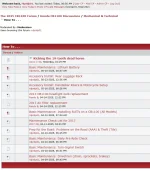
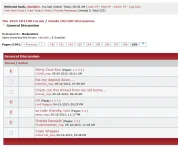
Good morning. I am seeing posting dates in the list where the Threads are organized and stored. See pictures. Do you also want a posting date in the actual post itself?

As for the location, I will have to investigate what is possible in MyBB. I suspect it is also influenced by how much data people are willing to disclose when they setup a Member profile. More to follow on that one.

I will need a few days before I can post an update.

Have a great week.

David
 

Attachments

  • Posting Date.webp
    Posting Date.webp
    66.1 KB · Views: 28
  • Posting Date #2.webp
    Posting Date #2.webp
    43.1 KB · Views: 28
When I click on view today’s posts it directs me to post # 1 instead to the last one…
 
Thread starter
[quote="peterbaron" pid='269193' dateline='1750095004']
When I click on view today’s posts it directs me to post # 1 instead to the last one…
[/QUOTE]

That shortcut is setup by the developers at MyBB. I believe it is hard coded and has no configureable settings. I will confirm. David
 
Thread starter
[quote="pekingduck" pid='269195' dateline='1750104507']
Yes, I think it would be most useful to have the date each time there is a posting. not just on the originating one.
[/QUOTE]

I will see what the configureable settings are and advise. David
 
pekingduck said:
I noticed that there is no date of the posting, so we can know whether to reply/comment.  I don't want to reply to a long dormant tread.
Can you explain this a little more, pekingduck? I can see a date and time for each post.

I can also see where rdprdp01 and peterbaron are located, but not you, pekingduck. Maybe you didn't provide the information? You can go to UserCP, click on Edit Profile and input your location.
 
Cormanus said:
pekingduck said:
I noticed that there is no date of the posting, so we can know whether to reply/comment.  I don't want to reply to a long dormant tread.
Can you explain this a little more, pekingduck? I can see a date and time for each post.

I can also see where rdprdp01 and peterbaron are located, but not you, pekingduck. Maybe you didn't provide the information? You can go to UserCP, click on Edit Profile and input your location.

Thanks Cormanus.  Yes, my mistake about the date.  I input my location - seems like that should be a mandatory item. In the old forum, it was universal.
 
Yes, people certainly used location more, but I don't think it was mandatory.

Good you can see the time now. Saved me a whole lot of time peering into the internals of the software to figure out how to show it.
 
Thread starter
[quote="rdprdp01" pid='269196' dateline='1750106581']
[quote="peterbaron" pid='269193' dateline='1750095004']
When I click on view today’s posts it directs me to post # 1 instead to the last one…
[/QUOTE]

That shortcut is setup by the developers at MyBB. I believe it is hard coded and has no configureable settings. I will confirm. David
[/QUOTE]

PB, my assertions are accurate. There are no configurable settings we can adjust to affect how Today's Posts appear in the Forum.

Be advised that Cormanus and I updated to the latest MyBB Platform earlier this month (MyBB 1.8.39). That release contained code that improved Thread functionality and performance. It also addressed some security issues that we had previously addressed with other technologies. Sadly, no love was shown to Today's Post functionality.

As best I can tell, End Users have been asking for that functionality to be enhanced for almost 10 years.

There is a major release of MyBB in late Production: MyBB 2.0 is a complete rewrite of the open source code. See summary below for more details.

Identical to me. pdsdse, and Cormanus, let's all remember that MyBB Developers work for free. Their reward is the satisifcation gained by knowing Forums are better able to interact with Members. Let's be patient and look to release 2.00 with guarded enthusiasm. More to follow as the release progresses from Development to Alpha Testing:

MyBB 2.0 Overview and Release Date

MyBB 2.0 is planned as the next major release of the open-source MyBB forum software. It is a significant undertaking, involving a complete rewrite of the core software using the Laravel PHP framework and a Model-View-Controller (MVC) approach.
Key features and improvements in MyBB 2.0 are expected to include:

  • Rewrite from scratch: A modern and efficient codebase built with the Laravel framework.
  • MVC Architecture: A structured and organized approach to development, making it easier to maintain and extend.
  • Responsive Theme: A new theme built with HTML5 and Sass, ensuring adaptability to various screen sizes and devices.
  • Enhanced User Experience: Improvements in user-facing elements like alerts, conversations, and the user control panel.
  • Improved Private Messaging (Conversations): A more robust system allowing multiple participants and threaded conversations.
  • Redesigned User Control Panel: A simplified and more centralized location for managing user settings and profile details.
  • Core Like Functionality: The ability to "like" content, which is integrated directly into the core software.
  • Revamped Member List: User cards with avatars and enhanced details, replacing the old tabular format.
  • Forum Overview Enhancements: Showing the avatar of the last user to post and a minimalistic approach to displaying forum content.
  • Collapsible Posts: The option to collapse individual posts for easier browsing and reading.
  • Modern Moderation System: A more flexible system allowing easy integration of new moderation tools.
  • Advanced Profile Field Management: Enhanced profile field capabilities with organization into groups, various input types, and validation rules.
  • Improved Quoting: The ability to quote a small subsection of a post in addition to full quotes.
  • Faster and More Reliable Parser: Enhancements to the MyCode parser, including support for Markdown.
  • Swiftmailer Integration: Improved email functionality with features like failed email retries, attachments, and more.

Release Date:
It's important to note that there is no set release date for MyBB 2.0. Development was put on hold in June 2018 to focus on incremental updates to the 1.x branch. While progress has been made, MyBB 2.0 is currently in pre-alpha and still requires significant development. The project intends to release public alpha and beta versions as the codebase stabilizes.
 
i am having trouble posting a youtube short it gets a error on my side i use the youtube option from the drop down menu and here is a example


well it works on this one but in the ecu flash posts it will not weird ??


his dlx stock to my standard tuned was a vast difference my 14 would have 54 bike lengths on him to 100 mph now tuned its about a bike length diff i do have a open exhaust on my with a header and no cat
 
Back
Top