1973cb750
Been there
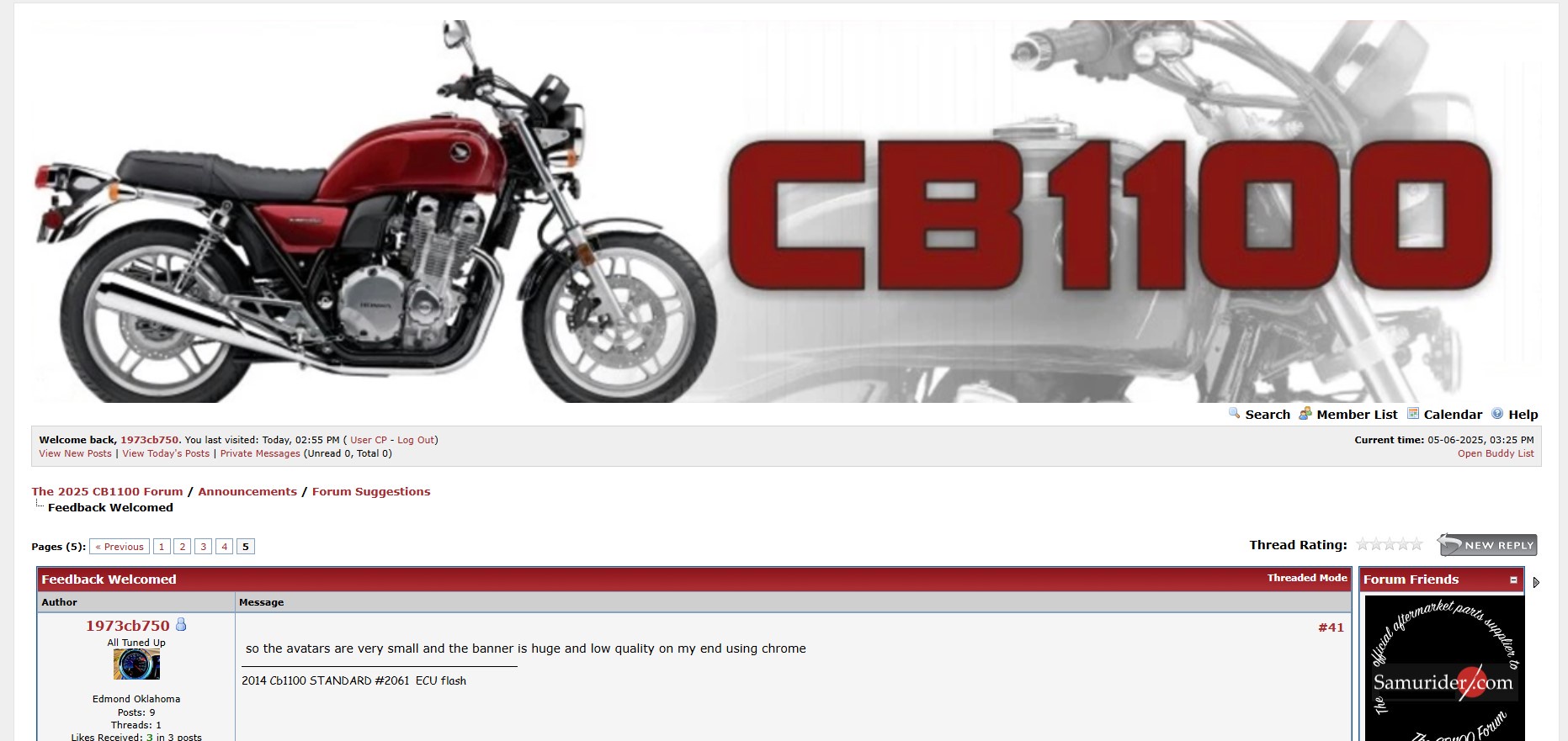
so the avatars are very small and the banner is huge and low quality on my end using chrome
Follow along with the video below to see how to install our site as a web app on your home screen.
Note: This feature may not be available in some browsers.


1973cb750 said:so the avatars are very small and the banner is huge and low quality on my end using chrome
Im using a windows 11 pc with a nice monitor and the banner just looks pixaly and very large ill post a photo when i get home and on my screen the avatar is the size of a dime or so looks very weirdrdprdp01 said:1973cb750 said:so the avatars are very small and the banner is huge and low quality on my end using chrome
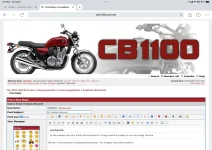
The banner is a high-res banner which has rendered properly on an iPad, Tablet, Laptop, and Desktop. I have included a copy of it taken from an iPad. I suggest you look at the resolution on your device. Also, if you are using your phone to access the Forum, we recommend that you turn the phone into a landscape orientation. The theme we have built is a Responsive Theme which adjusts to the device and orientation of the the device you are using.
We are in the process of replacing the banner. The new banner will be smaller. Until then, we ask that you scroll past it on whatever device you are using. Thanks for your patience.
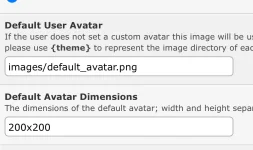
The Avatars have been sized to the most common size used by most Members. At this point, that is 200x200. Please consider optimizing an Avatar for that size or adjusting the resolution on your device to render your avatar as you prefer. Unlike the banner, there are no plans to change the settings of the Avatar.
Welcome to the Forum. We are delighted to have you and thanks very much for the feedback. It is our hope Threads, Posts, and Feedback will continue. Congrats on the CB1100 and the projects you have underway!
David

peterbaron said:At some point, they won’t be able to afford to keep\
^ this^^ is result of copy and paste, so it needs some correction

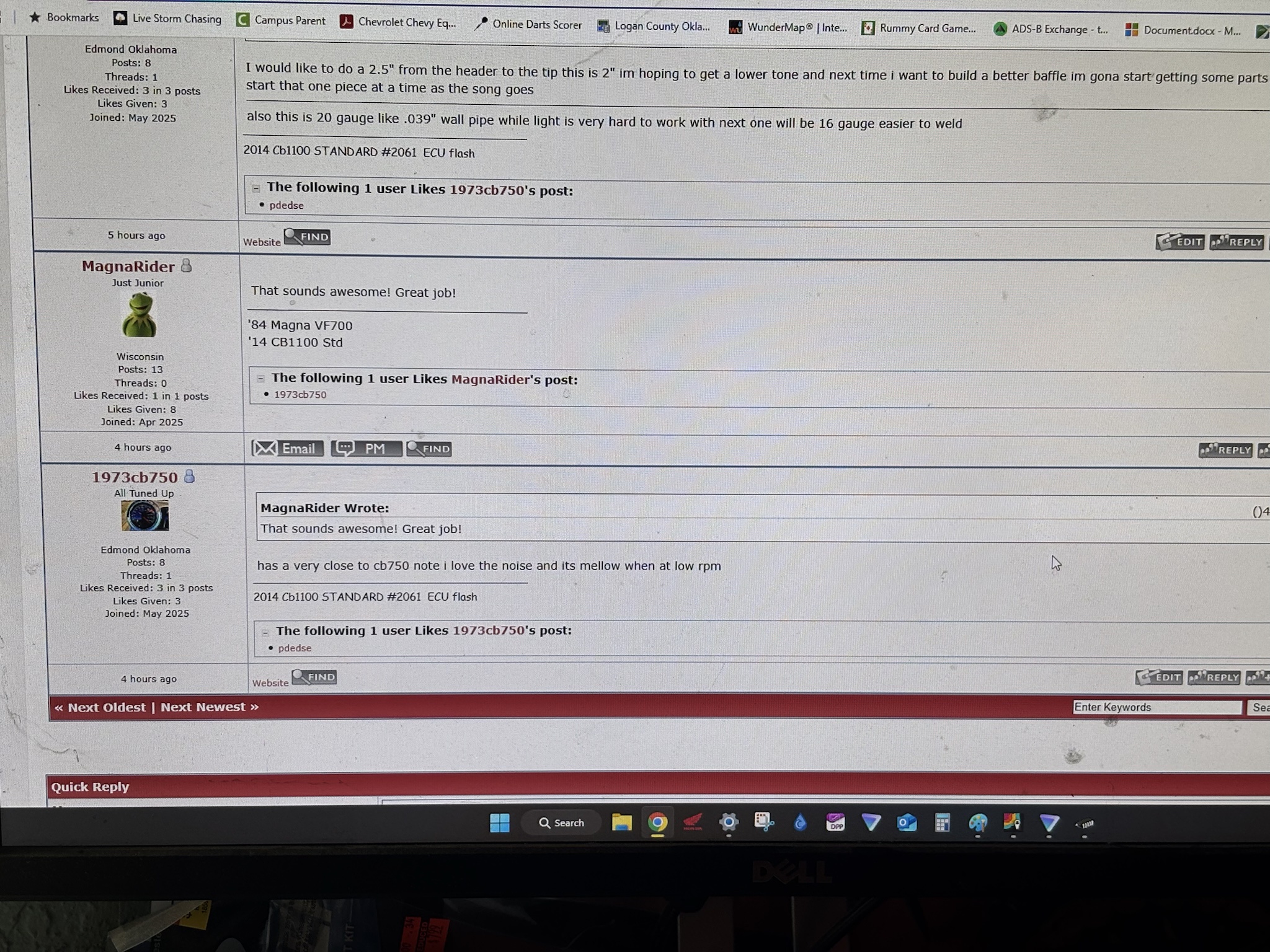


Can you explain this a little more, pekingduck? I can see a date and time for each post.pekingduck said:I noticed that there is no date of the posting, so we can know whether to reply/comment. I don't want to reply to a long dormant tread.
Cormanus said:Can you explain this a little more, pekingduck? I can see a date and time for each post.pekingduck said:I noticed that there is no date of the posting, so we can know whether to reply/comment. I don't want to reply to a long dormant tread.
I can also see where rdprdp01 and peterbaron are located, but not you, pekingduck. Maybe you didn't provide the information? You can go to UserCP, click on Edit Profile and input your location.