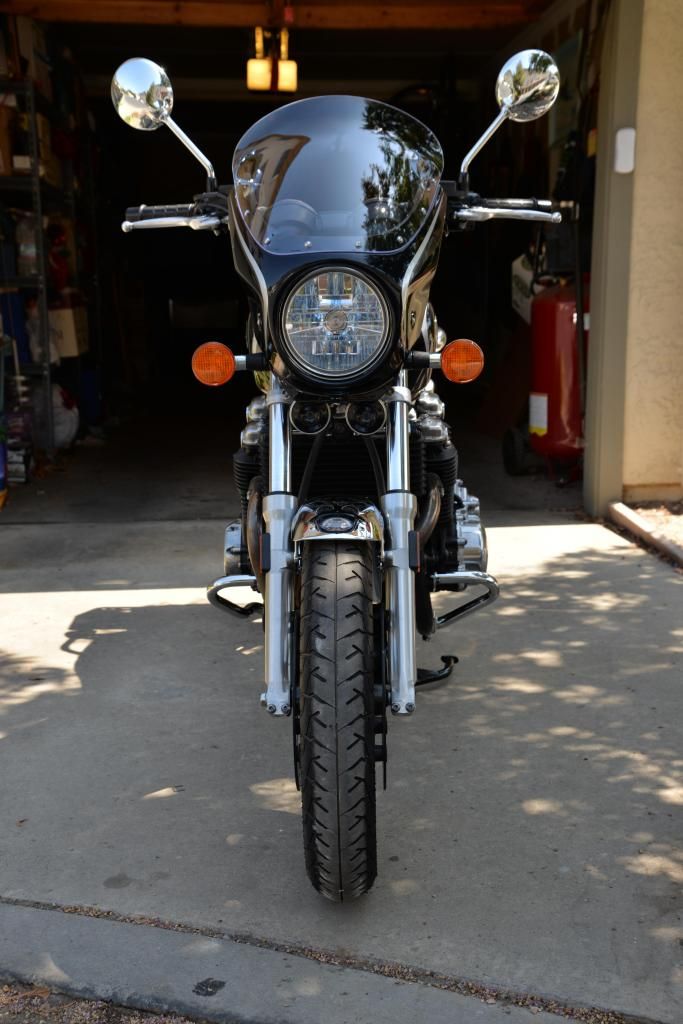
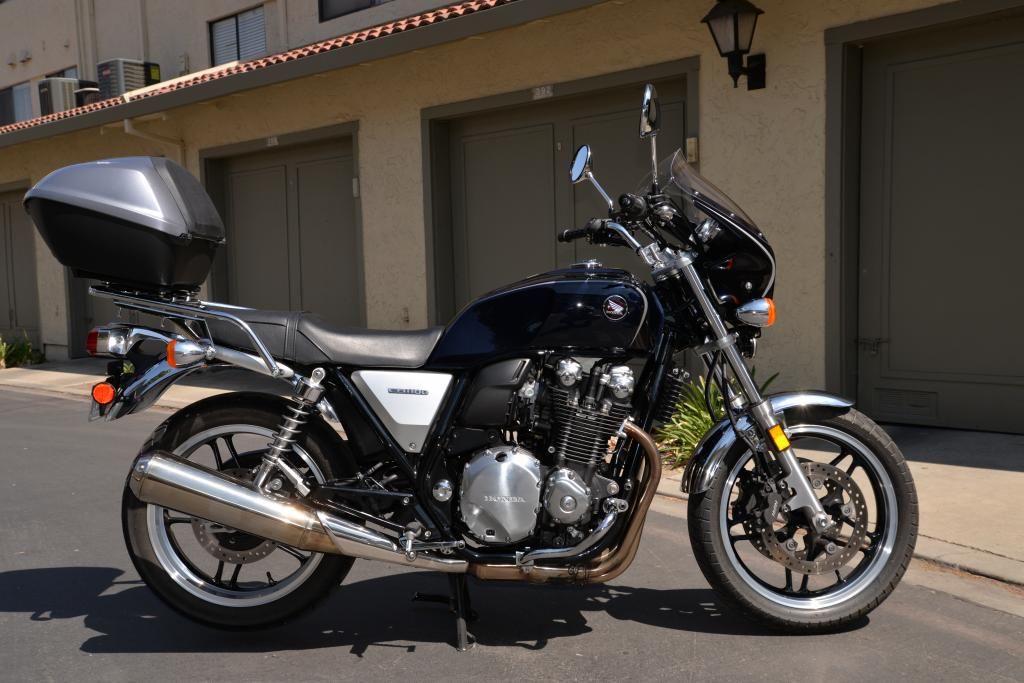
I just use the img /img tags inside these brackets [ ] and insert the address of the photo between them.
If you click on the attachment picture it will open in a new window. Copy the entire address bar and surround it with the tags and the picture will appear in the post.
Same thing when using photobucket. Click on DIRECT and paste the link between the tags like this.
It is also good to size the photos appropriately otherwise they will determine the width of all posts. This can result in having to expand posts to read them, especially for my fading eyesight. See sizing of photos in post # 4 as opposed to post #5. All respect to the authors of those posts.
Pt the photos in my original post were direct links to his attachments, which means they were sized for the message board to accept them. For the larger pictures to show up they really need to be hosted on a site like photobucket and linked to.
Pt the photos in my original post were direct links to his attachments, which means they were sized for the message board to accept them. For the larger pictures to show up they really need to be hosted on a site like photobucket and linked to.
That's understood mate. Another thing, I think the size, if too large, also makes for slower load of the thread page. As you correctly point out, I try to re-size to suitable on Photobucket for posting.
I find that even when I upload pics to PB when you initially see them they are sized appropriately for posting on any forum, even though they were uploaded quite large in the first place. I will show you what I mean.