Google Hosting Images?

JF Coastal_imp

Been there
Thread starter
So it seems like in a few recent threads of mine. That when I link a photo from google it can't be seen by everyone. I find this very, very frustrating. When I take
any photo on my phone it's automatically uploaded to google photos for safe keeping. Super convenient. !

I than share to my google plus account. 1 button. And share here.

What's the work around ? Anyone know ? I really don't want to start using photobucket or some other site.


Any input would be great.

Thannks.

JF
 
There used to be workarounds for this but as of the last time I checked Google Photos still does not support BBcode, and they eliminated the workarounds. The easiest workflow for me right now is to share from my phone via Tapatalk.
 
I think it would be better to create a shared folder that you consider "Public" and set the entire folder to "Anyone with link can view." Then manually drag and drop the motorcycle pics in there. Otherwise if you share your default upload folder, every pic you take is potentially public.

For image hosting I've taken to using imgur.com. It will automatically scrub the EXIF metadata from the photo and change the filename to protect your privacy. I recently learned that another way to remove EXIF metadata is to save the file from JPG to PNG.
 
If you're posting from a PC, you can get an imgur chrome extension to quickly re-host images in your browser from the right click menu:
Chrome Web Store

Super handy for sharing pictures without hotlinking their original sites.
 
Stichill_imp said:
I think it would be better to create a shared folder that you consider "Public" and set the entire folder to "Anyone with link can view." Then manually drag and drop the motorcycle pics in there. Otherwise if you share your default upload folder, every pic you take is potentially public.

For image hosting I've taken to using imgur.com. It will automatically scrub the EXIF metadata from the photo and change the filename to protect your privacy. I recently learned that another way to remove EXIF metadata is to save the file from JPG to PNG.
Cormanus_imp said:
I tried what he said and it didn't work.
 
Thread starter
mattvoyle_imp said:
If you're posting from a PC, you can get an imgur chrome extension to quickly re-host images in your browser from the right click menu:
Chrome Web Store

Super handy for sharing pictures without hotlinking their original sites.
c650ec222c7d68bb518f0e867e901555.jpg


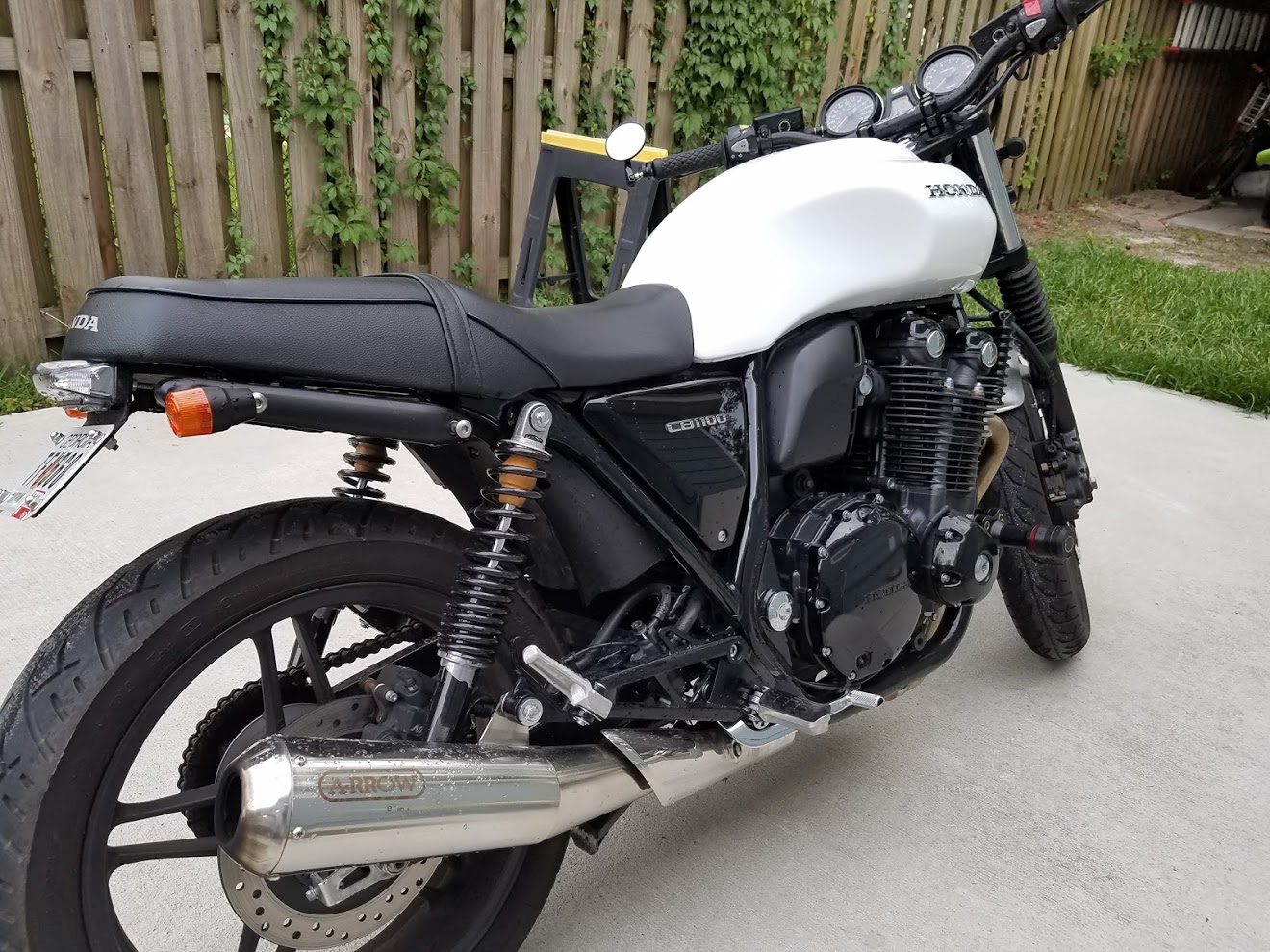
Bamm.... Matt's the Man if everyone can see this image !!!!!!

THANK YOU
 
JF Coastal_imp said:
mattvoyle_imp said:
If you're posting from a PC, you can get an imgur chrome extension to quickly re-host images in your browser from the right click menu:
Chrome Web Store

Super handy for sharing pictures without hotlinking their original sites.
c650ec222c7d68bb518f0e867e901555.jpg


Bamm.... Matt's the Man if everyone can see this image !!!!!!

THANK YOU
18818a603617aeb07cd15d8298a02f23.jpg


Bamm.... Matt's the Man if everyone can see this image !!!!!!

THANK YOU
Glad it worked out for you, and DAYUM- that new tank looks amazing on your bike!
 
I can see it on my iPad now! And the PC at work using IE

Man, that tank looks good!
 
Thread starter
Thanks Guys, I'm loving it !! Appreciate all the help on this thread. I was truly frustrated and was considering never posting a photo again.. haha.

And What's the point of a forum without photos !!


b1735e63b456d8b464bae7ab58a2924d.jpg
 
EarsOnWheels_imp said:
I can see it!

I recommend Tapatalk on the phone. It allows uploads in the app. No extra service required
The only downside with tapatalk is the ads that have recently been added. But it has great functionality so it is worth the extra scrolling.
 
Back
Top