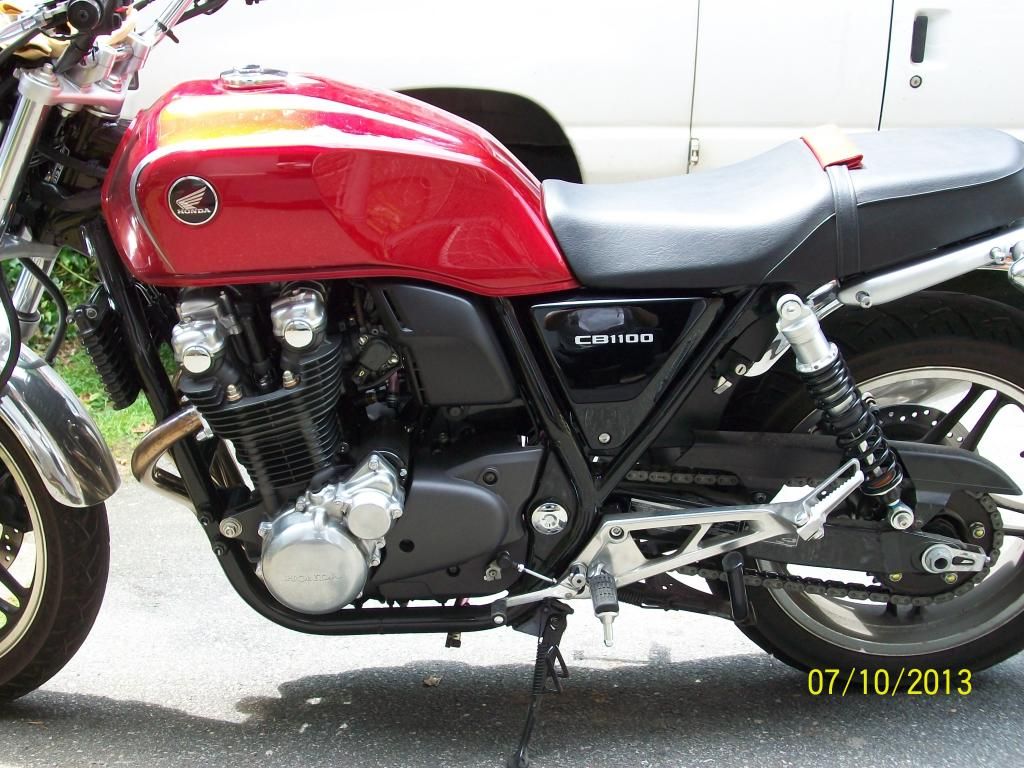
here's how I do it:
First, do you take pictures with a camera then download them as Jpegs to a file in your computer?
If so...
go to photobucket.com and start an account there. Its free. Its a photo storage place.
Once you have an account at photobucket you go to your photobucket home page, log in then click on "upload"
Click on choose photos and videos
Then choose the file you want to upload the pictures from ( where your pictures are stored in your computer...mine is called "my pictures"
Click on that file to open it, then select picture you want to upload.
Double Click on that picture
Once it shows it has been loaded click on "view album" and your picture should be there
Click on photo and it will get bigger and 3 links will pop up to the right
Copy bottom " img" link and paste it in your thread for all to see
Click back button to return to your album