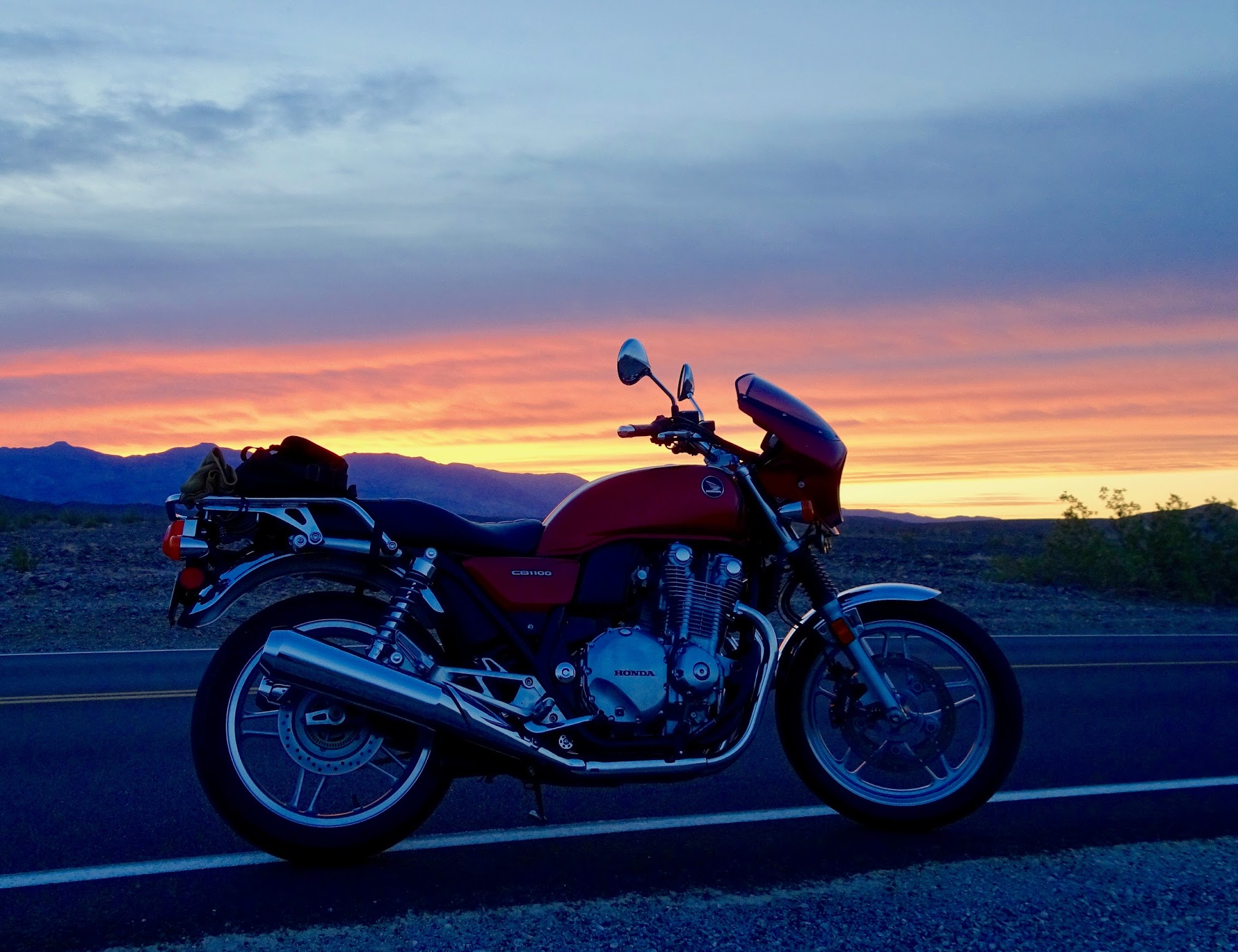
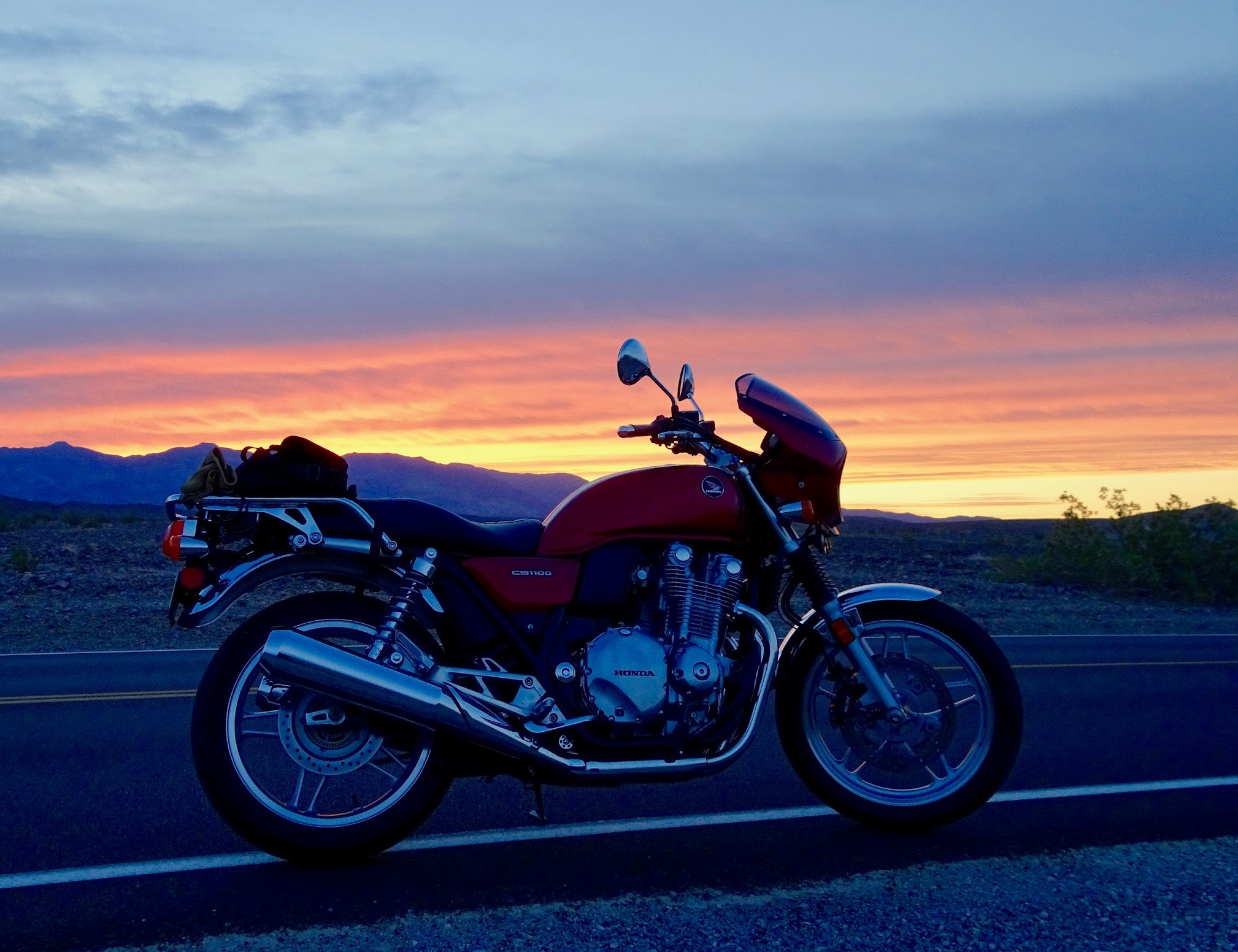
Test image -

kvdv_imp

Running like a top
Thread starter
Hoping this works:
4e623d04c3f8e7d6fddddf64adaa0289.
 
Didn't work. You need an address ending in a file format like .jpg.
 
Thread starter
kennyw_imp said:
Didn't work. You need an address ending in a file format like .jpg.
I was trying to connect directly from Google photos without having to save to Imgur, Photobucket or some other intermediate service. Maybe it's not possible...? I have some rockin' photos from my recent 18 day Death Valley trip that I'd like to share.
 
On the page that you've linked to, try clicking on the image — that launches a larger version, then copy that link (URL/address) from your browser and then use the insert image option (and paste the URL/address) here in your posts.

That's a great image by the way...

98a27af4b2a70256b3bdc595ae56ac17.
 
Blowed if I know how you did that Guth. I tried and the link I get is different from the one you've got.

Mine:
Google Photos

6151caab68595da58f9a2e763411c250.


As you can see, yours works; mine doesn't.

Others have trouble with posting links to Google photos.
 
I'll try to do a better job of explaining...

kvdv's initial post was attempting to link to the image on the page located at:

"https://photos.google.com/share/AF1...kwd​1dMYmMxWUxFWGk1dXNFT3ZyODFycDVUZ1ZR"

When that address (URL) is inserted inside of the image tags used by the forum software (when you click on the Insert Image icon and it prompts you for a URL) there was no joy.

However, if you go to that same page and click on the image, it will open a new page with a larger version of the image located here:

https://lh3.googleusercontent.com/P...H7jTba6w9C28CZpInC1auoY0k1o7rw=w2020-h1552-no

The forum software appears to be truncating the full URL, but you can still see that this is a different address. I'll note that it does not contain a file type such as ".jpg" at the end.

You can copy the address from your web browser's address window or if you left-click on the photo on that page you should have an option to copy the image address. Either way, you'll have the URL that you need to post up the image here on the forum.

If you click on the Insert Image icon and paste the second address into the URL field for the remote image, you should be met with success.
 
Thread starter
Guth - I'll be darned. I understand what you've described, and I tried multiple times to do exactly that (as moderator, you might be able to see about 10 or more edit attempts on my part). I finally gave up. Question...so as not to bother everyone while I try to practice, will saving a post as a draft display to me whether or not my photo insert has succeeded? That way maybe I can try to get this figured out in the background first before publishing more blank image posts :-/ Thanks!!
 
From another thread on hosting with Google.

Quote:If you're posting from a PC, you can get an imgur chrome extension to quickly re-host images in your browser from the right click menu:
Chrome Web Store

Super handy for sharing pictures without hotlinking their original sites.
 
Kvdv, I played around with this for ages last night and, in spite of Guth's instructions, found I couldn't get it to work at all while I was logged into my Google account. I had to create the link while logged out. I got it to work, but then couldn't replicate it. Once I figure it, I'll post on it.

As to testing, use the Preview Post function and you'll see whether the picture link as worked. The only time it doesn't, I think, is when you upload pictures directly to the forum.

 
Kvdv... I had problems with photo uploading too. I never could do it the way described and never tried photobucket or the other links as I thought they'd be too cumbersome. And most of the time, I'm on my iPad, or phone, and not my Mac so that makes it even worse. I found, and use TAPATALK, a forum app that makes for very seemless and easy photo uploading. Many of the guys on this forum use it. It's not perfect and requires a small learning curve, but when I want to post pictures, that's where I go. Good luck. Btw... nice photo of your CB!
 
UPDATE: I've spent a good while this afternoon playing with this. According to the searching I've done on the Internet, Google Photos doesn't have support for linking from bulletin boards. Us users of Google Photos should pester them to fix that.

I tried a series of variations on the theme Guth identified, but I could make it work only when I dug out the link when not logged into Google and then only sporadically. In any event, for frequent linking, it's way too time consuming. I found reference to a fix using Google+, but I couldn't make that work consistently either.

Meanwhile, using another photo hosting site seems the easiest way around the problem and I'll explore the extension kennyw mentions, although I'm not sure I want to use imgur as well as two other sites.
 
Back
Top